5 Business Tasks You Can Automate With AI
Explore five AI automation ideas for small businesses, from customer enquiries to invoice processing, with practical workflows and tips for getting started.
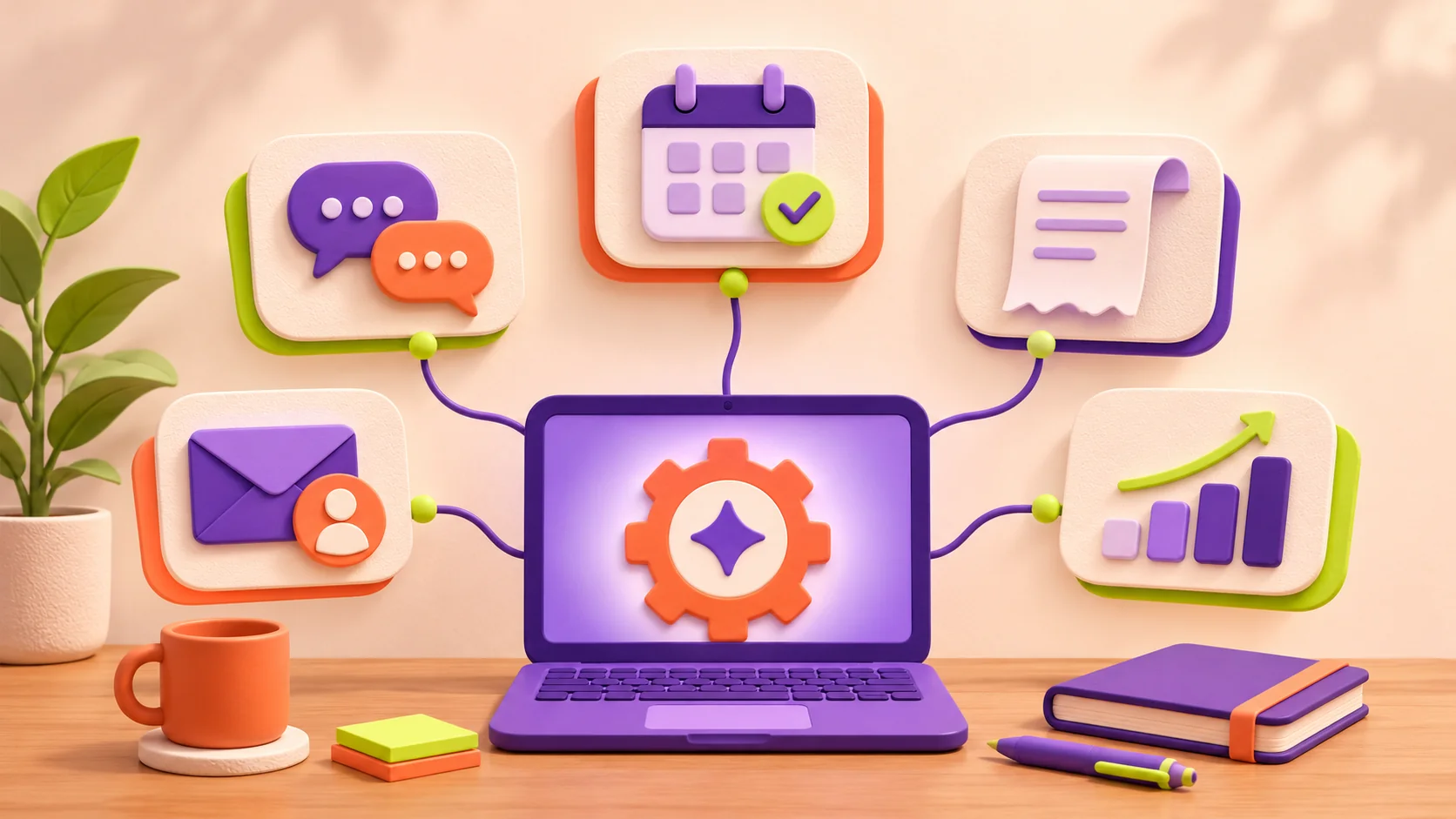
AI automation for small businesses can help with five everyday tasks: sorting enquiries, answering common questions, arranging appointments, extracting invoice details, and preparing weekly reports. The best starting point is a repetitive job with a clear input, a useful output, and someone who can check the result.
For a Jaipur service business, that might mean turning a website enquiry into an organised lead record. For a retailer, it could mean preparing invoice entries for review. You do not need to automate the whole business to make one process easier.
This guide explains where AI fits into each workflow, what should stay under human control, and how to measure whether the setup is worthwhile. The examples are illustrative workflows, not claims about client results.
What is AI business automation?
AI business automation combines a model's ability to interpret language or documents with software that moves information between systems. A model might summarise a customer message; an integration saves the summary in your customer relationship management system, or CRM.
Ordinary automation follows fixed rules, such as sending a reminder the day before an appointment. AI is useful when the input varies: a long email, an informal request, or an unfamiliar document layout. Use simple rules when they already solve the problem. Adding AI to every step creates extra cost and more outputs to check.
1. Sort customer enquiries and prepare follow-up drafts
Reading every enquiry and copying its details into a spreadsheet can delay your response. A useful first workflow is to turn incoming messages into consistent records.
Suggested workflow: website form submission → extract the requested service, stated budget and preferred timeline → create a lead record → notify the right person → prepare a reply for review.
For example, a Jaipur interior designer receives a message about renovating a two-bedroom apartment. AI can summarise the brief and identify questions to ask next. If the customer has not provided a budget, the record should say “not provided” rather than invent a number.
Keep final quotes, discounts, delivery commitments and decisions to reject a lead with your team. Avoid creating duplicate records when someone submits the same form twice. Track first-response time, missing information and the number of leads that need correction.
Start with draft replies. Allow automatic sending only for narrow, tested responses, such as acknowledging receipt of an enquiry.
2. Answer frequently asked customer questions
A website assistant can help visitors find information about opening hours, service areas, required documents or your booking process. It needs an approved, maintained source of information rather than permission to make up an answer.
Suggested workflow: visitor asks a question → search approved business information → provide a supported answer → offer a human handoff when information is missing or the request is unusual.
For example, a coaching centre could answer questions about published course schedules and registration steps. Current seat availability requires a connection to the booking system; a static FAQ cannot reliably provide it.
Microsoft's Copilot Studio documentation describes using websites, documents and other business sources to ground agent responses. This is an example of the approach, not a requirement to buy that product. Reference: https://learn.microsoft.com/en-us/microsoft-copilot-studio/knowledge-copilot-studio
Review unanswered questions and a sample of successful conversations. Measure answer accuracy and whether visitors reached the help they needed. A low handoff rate alone does not prove the assistant is useful.
3. Turn appointment requests into confirmed bookings
Customers often describe booking preferences in everyday language: “Can I come after work next Friday?” AI can help interpret the request, while a calendar integration checks actual availability.
Suggested workflow: collect the service and preferred time → clarify the date and time zone → check available slots → ask the customer to choose → reserve the slot → send confirmation and a scheduled reminder.
A salon, consultant or home-service business could use this pattern. The booking system must handle conflicts and return a successful reservation before the assistant says the appointment is confirmed.
The AI part is understanding the request. Checking availability, preventing double bookings and sending timed reminders should use reliable application logic. A standard booking form may be sufficient if your appointments are simple.
Track completed bookings, scheduling errors, cancellations and missed appointments. Compare the results with your earlier process before deciding to expand the workflow.
4. Extract invoice details for review
Typing information from supplier invoices into a spreadsheet is another candidate for automation. Document extraction models can prepare fields such as the supplier name, invoice number, date and total for checking.
Suggested workflow: receive an invoice → extract its fields → check required values and possible duplicates → show the original document beside the proposed entry → approve and save the record.
For example, a retailer could review a prepared entry instead of retyping the whole invoice. Microsoft AI Builder documents invoice extraction capabilities, including invoice identifiers, dates and amounts. Available fields and accuracy depend on the model and document. Reference: https://learn.microsoft.com/en-us/ai-builder/prebuilt-invoice-processing
Test the invoice layouts and languages your suppliers actually use. Flag unreadable scans, inconsistent totals and missing fields for review. Keep payment approval separate from extraction, and verify changed bank details through your established process.
Measure the percentage of correctly extracted fields and the time needed to review each document. An entry that takes longer to correct than to type is not a successful automation.
5. Prepare weekly business summaries
A weekly update might combine website enquiries, completed bookings and outstanding follow-ups. Software should calculate the totals from reliable records; AI can turn those verified figures into a readable summary.
Suggested workflow: gather approved data → calculate metrics → provide the figures and relevant notes to the model → draft a summary → check it against the underlying report.
For example, the report could show enquiries by service, response times and leads awaiting a reply. Ask the model to distinguish observed changes from possible explanations. More enquiries after a social post do not, by themselves, prove that the post caused the increase.
Define your metrics before writing the prompt. Website requests, page views, visits and leads measure different things. Make missing tracking data visible instead of presenting it as zero activity.
Microsoft's guidance on human review notes that generated summaries can contain unsupported information. Keep the source figures available and check the draft before sharing it. Reference: https://learn.microsoft.com/en-us/microsoft-copilot-studio/azure-openai-human-review
How to choose your first automation
Choose a task that happens frequently, has a clear owner and can be checked easily. Enquiry organisation or an internal report draft is often a manageable pilot. Begin with one workflow and record how it performs before adding another.
Before connecting tools, decide what information is needed, where it will be stored and who can access it. Limit the integration to that scope. Incoming messages and uploaded documents should be treated as information to process, not instructions that can change the workflow's permissions.
For a simple pilot, record your current handling time, test representative examples, review every output initially, and keep a manual fallback. Include difficult cases such as incomplete enquiries, duplicate submissions and unavailable appointment slots.
Estimate value using your own figures. For illustration, 100 tasks a month taking six minutes each require ten hours. If the new process takes two minutes of review per task, the gross saving is about six hours and forty minutes. Subtract monitoring, corrections and maintenance before comparing that value with the cost. This is arithmetic, not a promised result.
What does small-business AI automation cost?
Budget for setup, software subscriptions, model usage, integrations and ongoing maintenance. The amount depends on the systems you connect, monthly volume and the review process you need. Request a scoped estimate that explains both the initial work and recurring charges.
Before building a custom application, check whether your existing CRM, calendar or accounting software already covers the task. A custom integration is most useful when important information is trapped between systems or your process has requirements that standard tools do not meet.
Frequently asked questions
Do I need AI for every repetitive task? No. Fixed confirmations, calculations and reminders usually work well with conventional automation. Use AI for tasks that involve interpreting variable text or documents.
Can I connect automation to my existing website? Often, yes, if the website and destination tools provide suitable integrations or APIs. Start by reviewing how the form stores enquiries and which system should receive them.
Can AI respond to customers without approval? It can be configured to do so, but begin with reviewed drafts. Expand only to tested situations with clear limits and an easy route to a person.
Will automation increase sales? It may help your team respond faster and follow up consistently, but it does not guarantee more sales. Measure qualified enquiries and completed sales alongside time saved.
Plan one useful workflow with Built in Bharat
Built in Bharat builds websites, customer portals and custom business applications for Jaipur businesses. Share the task you repeat, the tools you use and the result you want. We can discuss whether a standard integration or a custom application fits your requirements.
To start, use the enquiry form on our homepage: https://builtinbharat.online/#contact
Preparing your website first? Read our Small Business Website Checklist: https://builtinbharat.online/blog/6471833a-1ac2-4816-8978-a6157463a669